 Português
 English
 Español
 Indonesia
 Deutsch
 Français
 हिन्दी
 فارسیPortuguêsEnglishEspañolIndonesiaDeutschFrançaisहिन्दीفارسی
The Bulk Stories (Bulk Story Viewer) feature of IGAutomate is the most powerful passive engagement tool for Instagram Marketing. By automatically viewing stories of targeted high-intent prospects, your profile consistently populates their list of story viewers, triggering curiosity and driving thousands of warm organic profile visits daily.
In addition to just viewing, you can enable the option to **automatically react with a story like (red heart)** on each story. This sends a direct real-time notification to the user's inbox, doubling the conversion rate of curious viewers visiting your page!
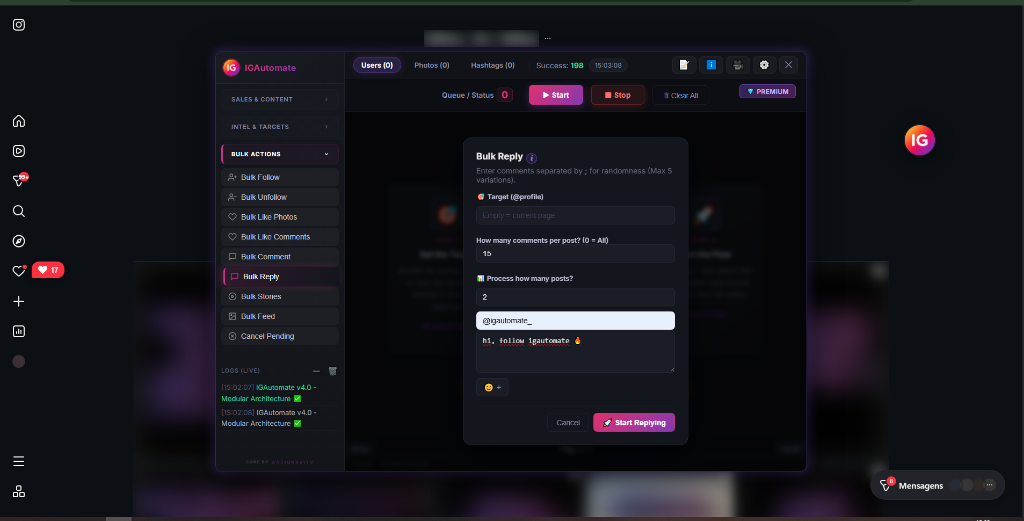
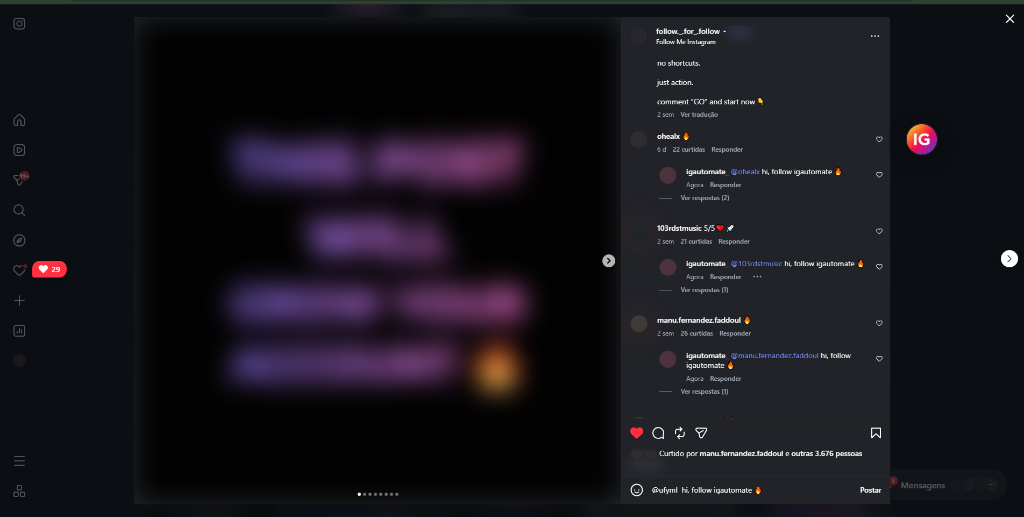
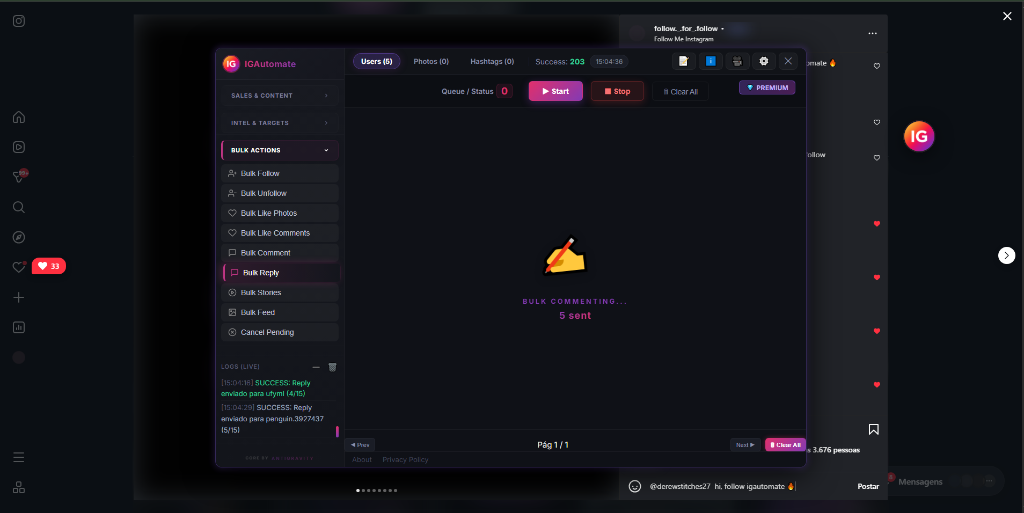
Instagram story ads waste valuable bot limits and break the flow of generic web automation. IGAutomate features an intelligent, native **Skip Ads** filter that instantly detects sponsored story cards and skips past them to focus entirely on genuine, real users.
Furthermore, limiting story views to one per target profile ("Only 1 per profile") ensures that you touch and capture the attention of the maximum number of unique accounts every day, boosting your profile traffic ROI.
Pro Tip: Combine bulk story watching with a compelling, high-converting bio and call to action link (Stripe checkout/Linktree). By appearing in front of thousands of warm targeted prospects every single day, you establish a consistent stream of inbound organic traffic!
Save hours of tedious manual viewing and ensure your business profile stands in front of thousands of hot targeted leads every day.
Enjoy a 36-hour unrestricted premium trial of all 16 automation modules. No credit card required.
🚀 START FOR FREE — INSTALL NOWOfficial Extension Verified by Chrome Web Store • Safely executed inside your browser